
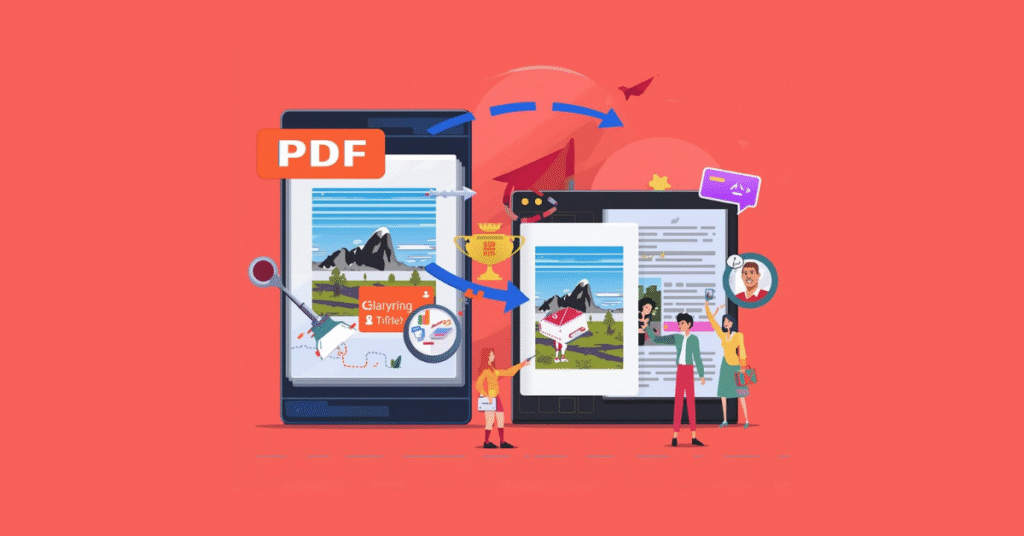
If you’re a publisher, educational institute, channel partner, or author tired of seeing richly designed PDFs collapse on small screens, this guide is for you. I’ll walk you — plainly and quickly — through why converting to EPUB matters, which EPUB type you need, how pros do it, and a checklist you can use right now to get cleaner, accessible eBooks that sell.
PDF to EPUB conversion is essential if you want your eBook to be readable, responsive, and accepted across all major devices and stores.
Why PDF to EPUB Conversion Matters in Digital Publishing
PDFs freeze layout; EPUB reflows text for phones, tablets and dedicated readers. That means better readability, fewer returns, and higher engagement for long-form content (textbooks, novels, corporate manuals). EPUB also supports accessibility standards and interactive features that PDF can’t match on many devices. (EditionGuard)
PDF to EPUB Conversion: Reflowable vs Fixed Layout
- Reflowable EPUB (the common choice): Ideal for text-first books — novels, most trade non-fiction, many textbooks. Text adapts to font size and screen width.
- Fixed-layout EPUB3: Keeps exact page design and is perfect for illustrated children’s books, magazines, and complex textbooks with sidebars and tables. EPUB3 adds multimedia and accessibility features. (kitaboo.com)
Automated vs. manual: when to use each
- Automated tools (Calibre, Zamzar, CloudConvert, online converters) are fast and cheap for clean, simple PDFs — but they often fail on complex layout, footnotes, or multi-column pages. (Baeldung on Kotlin)
- Manual / hybrid workflows are required when accuracy matters: automated conversion → human proofreading → structural fixes (headings, alt text, metadata). This is the standard for publishers who need store-ready output (Amazon, Apple Books, Kobo). (Publish Books Online)
Professional PDF to EPUB Conversion Process Explained
- Assess source PDF — single/multi-column, images, footnotes, tables, fonts.
- Choose target type — reflowable EPUB for text; fixed-layout EPUB3 for complex design. (kitaboo.com)
- Extract content to clean HTML / Word (automated tools + manual cleanup).
- Structure & tag — semantic headings, lists, captions, internal links, TOC. Correct structure is the #1 factor that prevents broken EPUBs. (Medium)
- Style & test — convert to EPUB, validate (EPUBCheck), and test across devices (Kindle Previewer, Apple Books, Kobo).
- Accessibility & metadata — alt text for images, proper language tags, and embed clean metadata for discoverability. (EditionGuard)
Common pitfalls (and how to avoid them)
- Bad TOC mapping → readers can’t jump to chapters: ensure headings are marked semantically.
- Images as text → OCR before conversion for searchability and accessibility.
- Tables and multi-column text → convert to simplified HTML tables or fixed-layout EPUB to preserve meaning.
- DRM & distribution → choose the right DRM partner if you need copy protection; test store requirements early. (The Zamzar Blog)
Proof & credibility (tools and industry practice)
Top publishers use a mix of enterprise platforms (Kitaboo, Damco) and trusted open tools (Calibre) depending on scale and output needs. For rapid turnaround or mass catalog conversions, vendor lists and specialized services exist that handle everything from conversion to store delivery. (hurix.com)
Quick decision checklist (copy this)
- Is the PDF mostly text? → Reflowable EPUB.
- Is precise layout critical? → Fixed-layout EPUB3.
- Are there multimedia or accessibility requirements? → Use EPUB3 and validate.
- Do you need DRM/distribution? → Pick a service that supports store specs and secure delivery.
- Budget / volume? → Automated + QA for bulk; manual for premium titles.
Want this done right (and fast)?
If you’re aiming to publish without formatting headaches, our conversion service handles PDF → Reflowable EPUB, Fixed-layout EPUB3, MOBI/KF8 packages, accessibility tagging, validation, and store-ready metadata. We combine automated efficiency with human QA so your book looks great on every device. No surprises — just tested EPUBs and a delivery-ready package.
Curious how your title will convert? Send a sample (first 10–20 pages) and we’ll provide a free assessment: format recommendations, a sample page conversion, and a clear quote. Transforming a PDF into a saleable, readable eBook is simpler than you think — but only if you pick the right approach. Let’s make your content shine on every screen.
Optume Technologies— Expert eBook Conversion for Publishers, Educational Institutes, Authors.
Sources & further reading: Adobe’s practical PDF→EPUB steps; industry writeups on EPUB3 and fixed layout; tool comparisons (Calibre, Zamzar) and service lists for publishers. (Adobe)
If you want, I’ll convert a 10–page sample and show you the before/after (sample conversion + device screenshots).